Tips Tricks and Tools
------------------------------
Other Methods:
Method 2: Removing Editing Restrictions (XML Method)
Open the protected Word document.
Go to File > Save As and select Word XML Document (*.xml) as the format.
Close Word, then right-click the new .xml file and open it with Notepad.
Press Ctrl+F, type "enforcement," and find w:enforcement="1".
Change the "1" to "0" (e.g., w:enforcement="0").
Save the XML file and close Notepad.
Right-click the XML file, select Open with > Microsoft Word.
Go to File > Save As and save it back as a Word Document (*.docx).
Method 3: Using ZIP/Rename (Often for older formats)
Change the document extension from .docx to .zip.
Open the zip file and navigate to the word folder.
Locate settings.xml, copy it, and edit it to remove the password tag, or delete the file entirely.
Rename the file back to .docx
http://bradleymartin.net/storage/tools/FinancialReviewWorksheet.xlsx
(send me your tips)
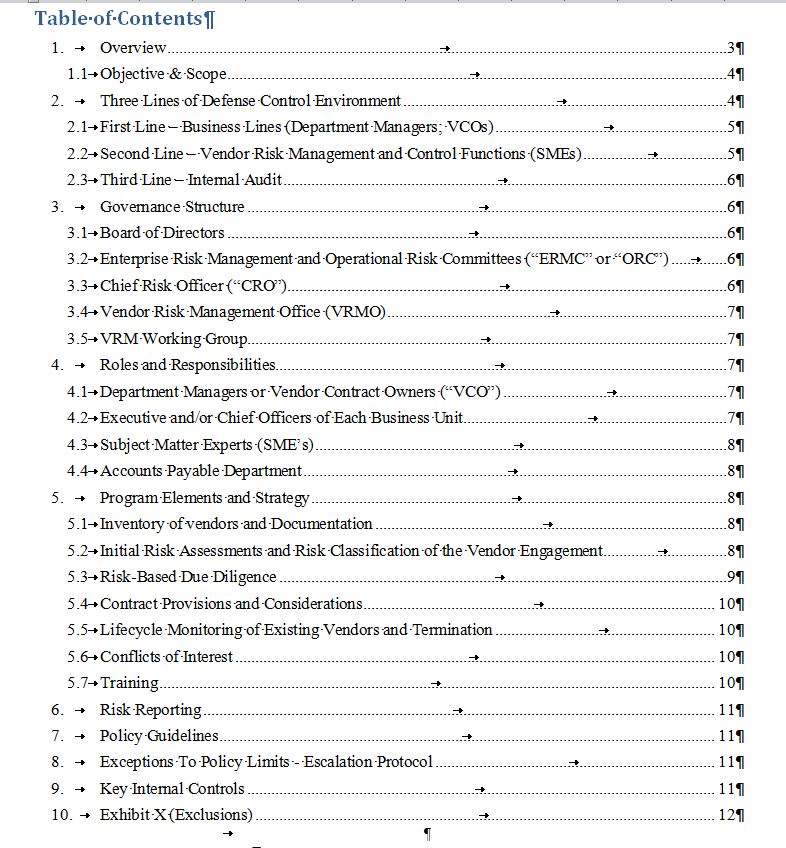
Vendor Risk Management Table of Contents